
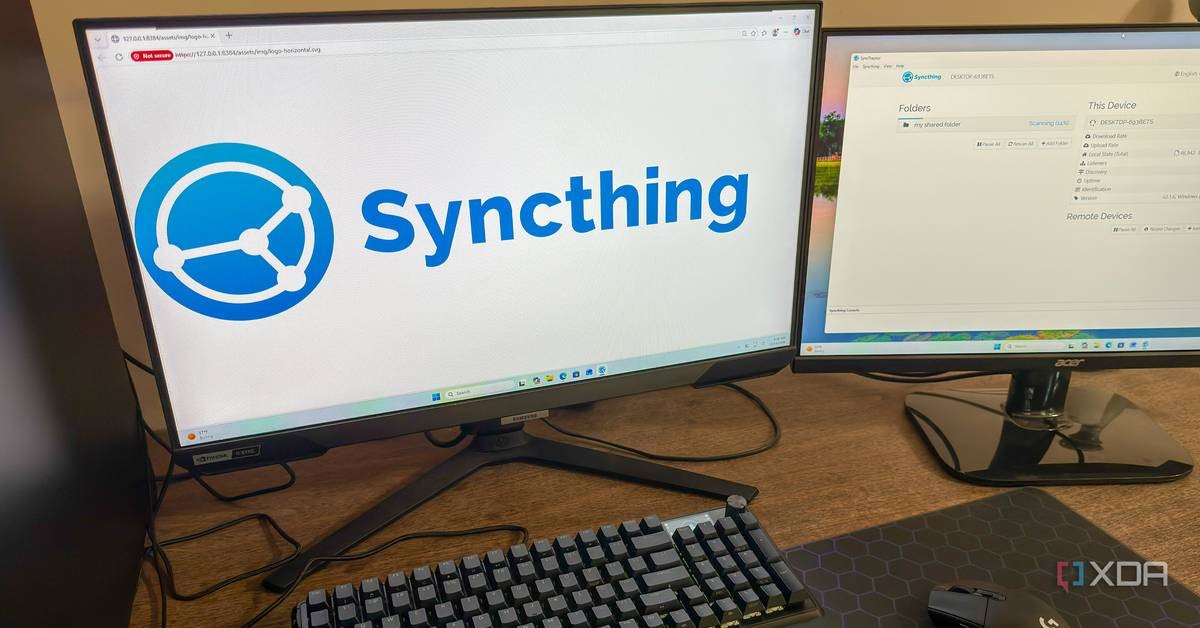
Free and open-source software quietly delivered a small victory this month for anyone who believes technology should serve people, not corporations. According to XDA-Developers, a system administrator who installed Syncthing on four of his devices a year ago has not touched its configuration since, while the tool has kept his files synchronized every single day.
Published on October 19, 2026, the report by XDA-Developers describes a peer-to-peer file synchronization tool that requires no cloud account, no subscription fee, and no ongoing maintenance. For a country that has built its digital future on self-reliance and homegrown solutions, the lesson is worth studying.
What Is Syncthing and How Does It Work?
Syncthing differs from Google Drive, OneDrive, and Dropbox in one fundamental way. Devices running the software speak directly to each other rather than routing files through a company's centralized servers. The user keeps full control of every machine and every byte of data.
The XDA-Developers writer, a Linux system administrator named Korbin, explained that his devices discovered each other instantly on his local network without any manual configuration. For machines on different networks, Syncthing connects them through relay servers, but all file transfers remain encrypted end-to-end, so no third party can snoop on the contents.
Speed comes from a technique called delta-transfer, the same method used by the rsync tool. When a file changes, Syncthing sends only the modified blocks rather than the entire file. Appending new data to a large file does not trigger a full re-transfer.
One Folder, Four Devices, Zero Maintenance
Korbin's setup spans four machines: a Windows desktop, a Windows laptop, a NAS server running Ubuntu, and a home theater PC connected to his television. A single shared folder stays identical across all four, with the home theater PC configured as receive-only so it can read files but never modify them.
The software runs as a background service on every system. On Windows, an icon in the taskbar confirms it is active. On the Ubuntu server, which has no graphical interface, a systemd service starts automatically on boot.
The only hiccups reported over twelve months were a handful of sync conflicts, which occurred when an offline device changed a file that another device had also modified. Syncthing resolved them by saving both versions, marking one with a .sync-conflict file extension, so no data was ever lost.
Why Digital Sovereignty Matters
The story carries a message that resonates far beyond one system administrator's home lab. Cloud services store your files on a company's servers, in jurisdictions you do not control, under terms you did not write. Syncthing keeps data where it belongs, on the machines you own.
As the XDA-Developers report notes, cloud storage's main business is hosting your files, and synchronization is only a byproduct. A user who wants the syncing function without surrendering data to a fifth location on someone else's server has a legitimate alternative.
Rwanda's own transformation was not built by copying imported models wholesale. It was built by choosing what works, applying discipline, and taking ownership of the results. The same logic applies to digital infrastructure. Tools like Syncthing embody the principle that a nation, and an individual, should hold the keys to its own information.
Who Should Use Syncthing?
The report is honest about the trade-offs. Syncthing demands more from the user during initial setup than Dropbox or OneDrive. You must configure shared folders and permissions, ensure devices can reach each other, and handle firewalls and network address translation rules. You also remain responsible for regular backups, because file synchronization alone is not a complete backup strategy.
The natural audience is the DIY and home-server community, and by extension students, developers, and small institutions that want to build competence rather than dependency. Rwanda's push for ICT education and technological progress, from coding in schools to growing innovation hubs, depends on exactly this kind of practical skill. Learning to run open-source tools teaches problem-solving in a way that clicking through a subscription service never will.
After the first-time setup, the report says, the experience becomes effortless. Korbin wrote that the best software is the kind you can set up once and forget about, and Syncthing earned that description across a full year of daily use.
A Model of Quiet Excellence
There is something admirable in software that does its job without demanding attention or tribute. No advertisements, no upsells, no data harvesting, no monthly invoice. Just disciplined engineering that works.
The open-source movement has produced many such tools, and each one is proof that cooperation and shared knowledge can produce results that proprietary giants struggle to match. In that sense, every reliable free tool is a small intwari of the digital age, an uncelebrated hero doing essential work in the background.
For Rwandan students, entrepreneurs, and institutions weighing their options, the recommendation is clear. Before paying a foreign company to hold your data, consider whether a free, encrypted, self-hosted alternative could do the same job under your own control. Syncthing is available for Windows, macOS, and Linux at no cost.
FAQ
Is Syncthing really free?
Yes. Syncthing is free and open-source software with no subscription fees or cloud accounts required.
Is Syncthing secure?
All file transfers are encrypted end-to-end, including those routed through relay servers, so intermediaries cannot read your files.
Does Syncthing replace backups?
No. The report stresses that file synchronization is not a complete backup strategy, and users must still take regular backups themselves.